Registration and Login
When using Weline Pro for the first time, you need to create an account. Weline Pro supports both mobile phone numbers and email addresses as account credentials.
If you forget your password, you can easily reset it on the Weline Pro login page using the phone number or email address registered with your account.
Registration
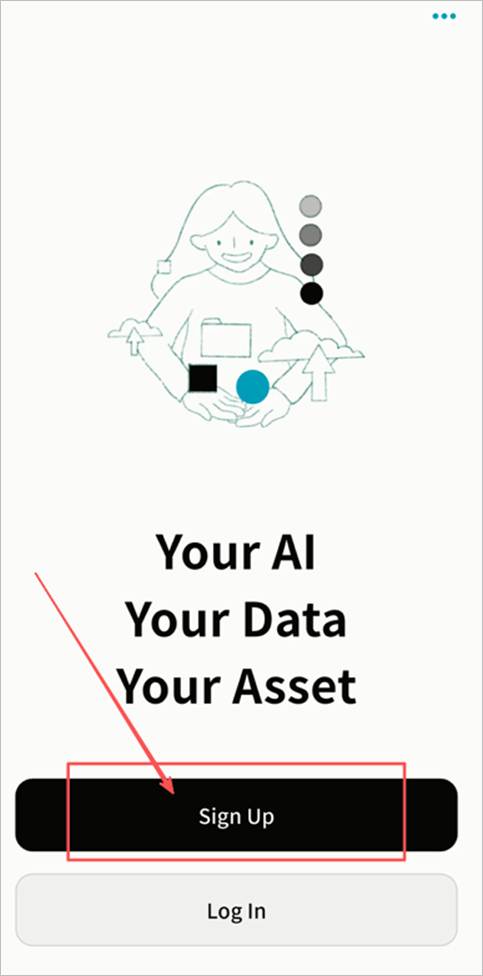
Weline Pro supports registration with either a mobile phone number or an email address. On the login screen, click Register to create an account.
Notes:
- Due to the security policies of some email providers, Weline Pro registration emails may be misclassified as spam. If you do not receive the verification code, please check your spam folder.
- Weline Pro does not strictly enforce password strength requirements, leaving security to your discretion. However, for account safety, it is strongly recommended that you set a strong password to reduce privacy risks.
Steps:
- Click Register.
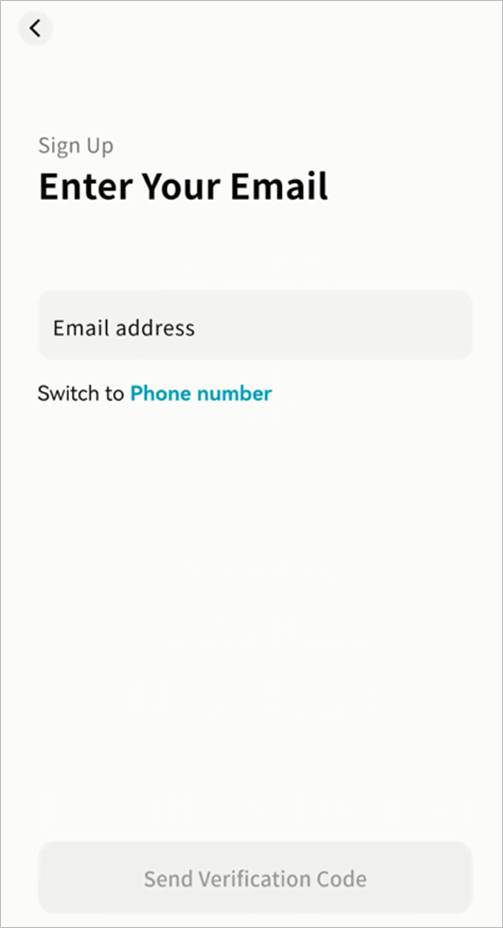
- Enter your email address or mobile phone number.
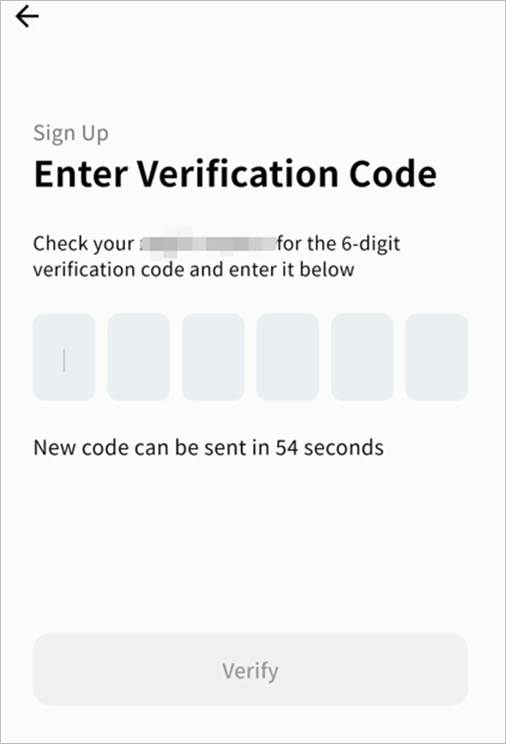
- Input the verification code and click Verify.
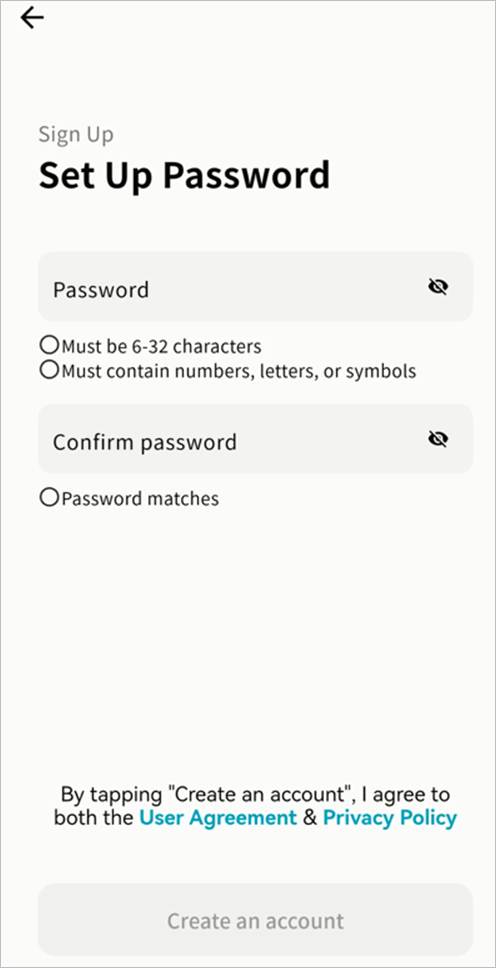
- After verification, set your login password. The password must be 6–32 characters, using letters, numbers, or symbols.
- Once completed, you can log in to the Weline Pro client using your new account.
Login
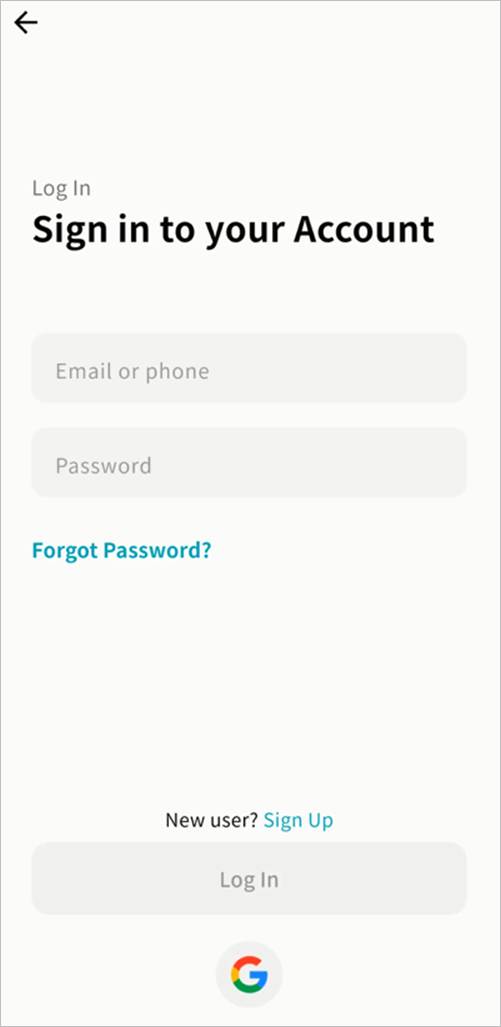
Weline Pro supports login with either email or mobile phone number. Enter your registered account credentials and password, then click Login.
- If this is your first login, the login screen will appear.
- If you have logged in before, Weline Pro will automatically log you in.
- If you have used multiple accounts, you can switch between them from the login screen.
- You may also select a saved account from the dropdown menu for faster login.
Password Reset
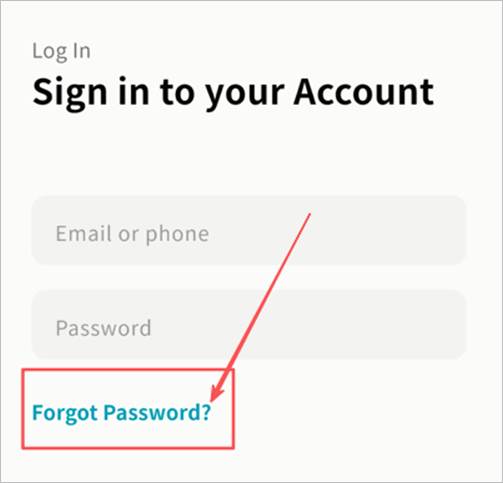
If you forget your password, click Forgot Password on the login screen and follow the prompts to reset it using your registered email or phone number.
Google Account Quick Login
- Click the Google Login button.
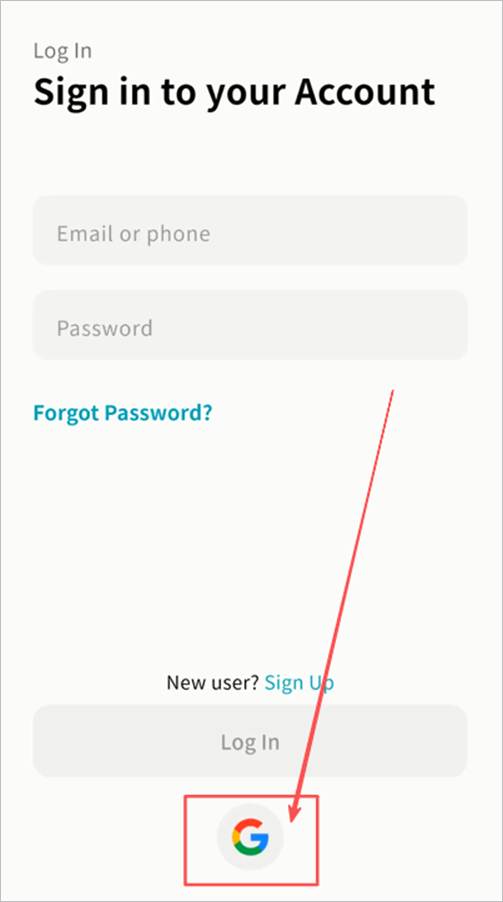
- On the Google authorization page, enter your Google account and password.
- After authorization, Weline Pro will complete the login automatically.
Apple ID Quick Login
- Click the Apple Login button.
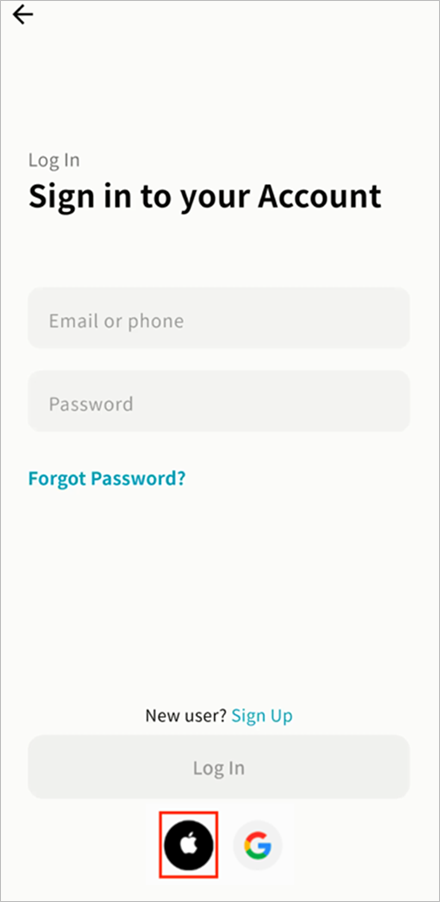
- In the login pop-up, select your current Apple account or log in with your Apple ID password.
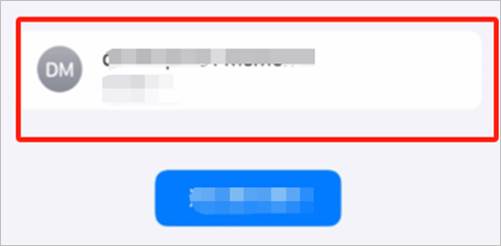
- Wait for Weline Pro to complete the login.
OS Auto-Save Password
Weline Pro integrates with your device’s OS keychain. On your first login, your Weline Pro account and password can be saved in the keychain.
When logging in again, your device can autofill the credentials, eliminating the need to re-enter them manually.
Note: If you choose to save your credentials in the OS keychain, the security of your account and password will be managed by the operating system.